
Products & Solutions
Build The Mailroom Around The Work, Not A Product List.
Start with what enters the operation, what must happen to it, who handles it, and what proof or reporting is required. The categories below help narrow the equipment and software that fit that workflow.
Mailing & Shipping
Postage, package labels, carrier comparison, tracking, and accounting.
Folding, Inserting & Opening
Automate repetitive paper handling where the volume justifies it.
Addressing & Presorting
Print, address, prepare, verify, and move production mail.
Lockers & Supplies
Support package pickup, equipment operation, and mailroom organization.
Letters, Flats And Other Metered USPS Mail
A First-Class Mail letter can weigh up to 3.5 ounces, while a First-Class Mail flat can weigh up to 13 ounces. Dimensions, thickness, rigidity, and shape also affect classification. The operator selects or confirms the class and service, while the system uses the entered or measured mailpiece characteristics and its current rate table to calculate postage.
- Current USPS rate tables delivered through the supported meter service
- Presort or commercial mailing options when the piece, preparation, permit, and volume qualify
- Built-in weighing and guided rate selection for repeatable daily processing
Packages And Trackable Shipping Labels
A package is not defined by weight alone. Once a piece requires a package service or shipping label, S.M.A.R.T. software creates the label and can compare supported carrier services at the Essential and MailCenter tiers.
- Qualifying USPS commercial package pricing through supported software
- Side-by-side comparison of connected carrier rates at the appropriate software tier
- Choose based on price, delivery timing, carrier, or required service
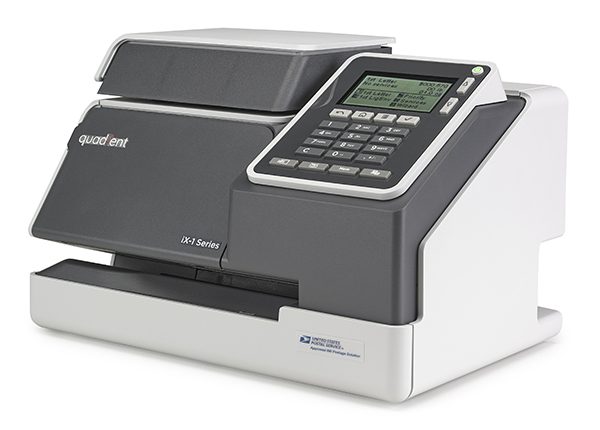 iX-1
iX-1
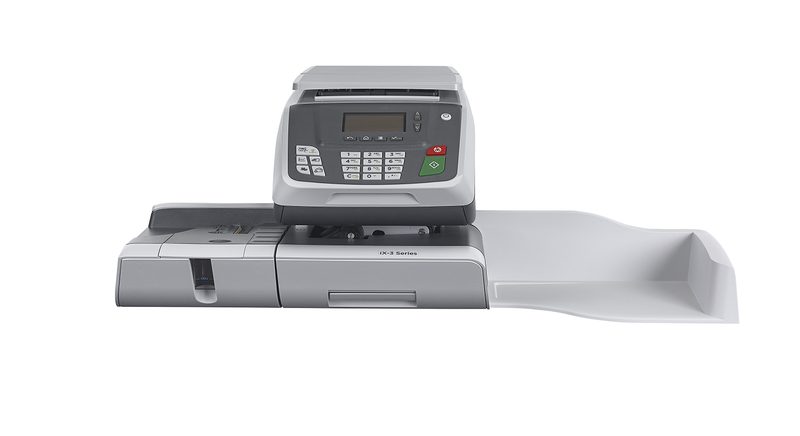 iX-3
iX-3
Light, Everyday Mail
Manual-feed systems fit lighter volume where the operator can comfortably place each piece on the scale and feed it through the meter.
- Integrated weighing for routine mail and parcels within the scale capacity
- Automatic postal rate updates
- USPS IMI-compliant, ready to go from day one
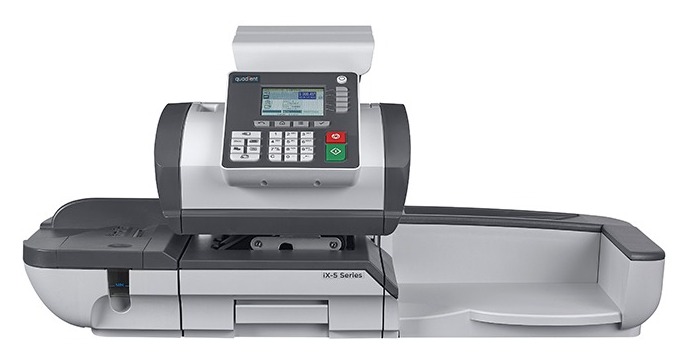 iX-5 HF, Hand-Feed
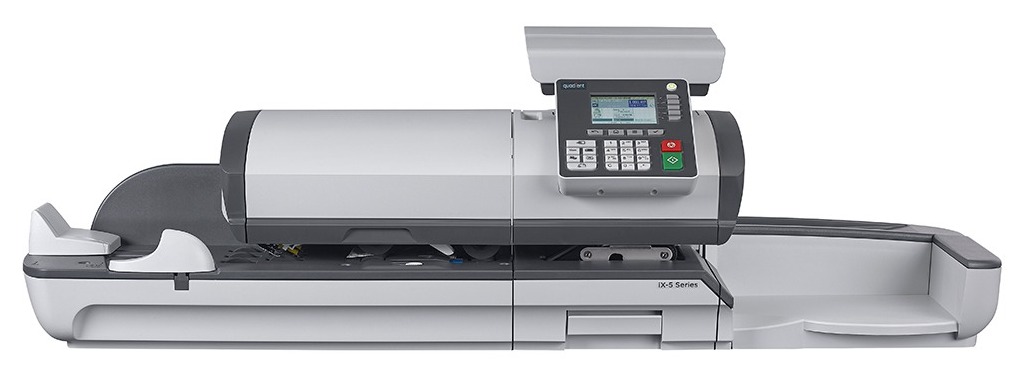 iX-5 AF, Auto-Feed
Mid-Volume, Auto-Feed Available
Power-assisted hand feed or automatic feed can reduce handling on repeat jobs. Differential Weighing supports mixed pieces one at a time, while the automatic feeder is best for prepared batches.
- Automatic feeding available on selected iX-5 configurations
- Differential Weighing and automatic feeding solve different workflow problems
- USPS IMI-compliant, ready to go from day one
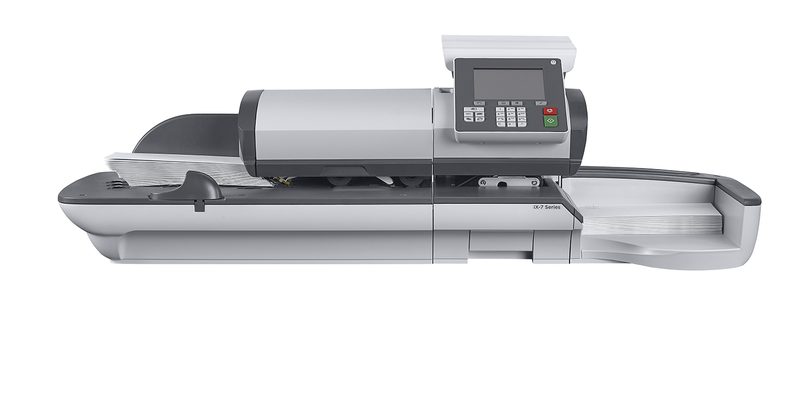 iX-7 / iX-7 Pro
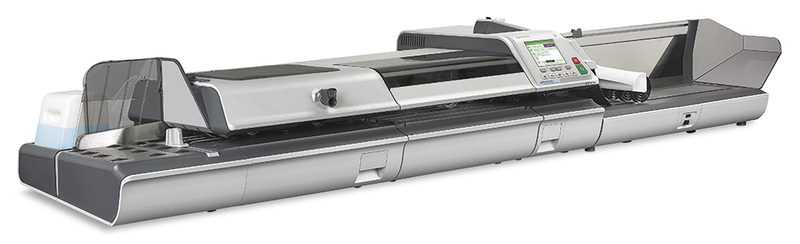 iX-9
iX-9
High-Volume, Dynamic Scale Available
High-volume systems add faster feeding, larger output options, and optional in-line dynamic weighing. Dynamic weighing is valuable when mixed mail must continue moving without stopping at a separate scale.
- Optional in-line dynamic weighing on qualifying high-volume configurations
- Configurable to match your actual volume and workflow
- USPS IMI-compliant, ready to go from day one
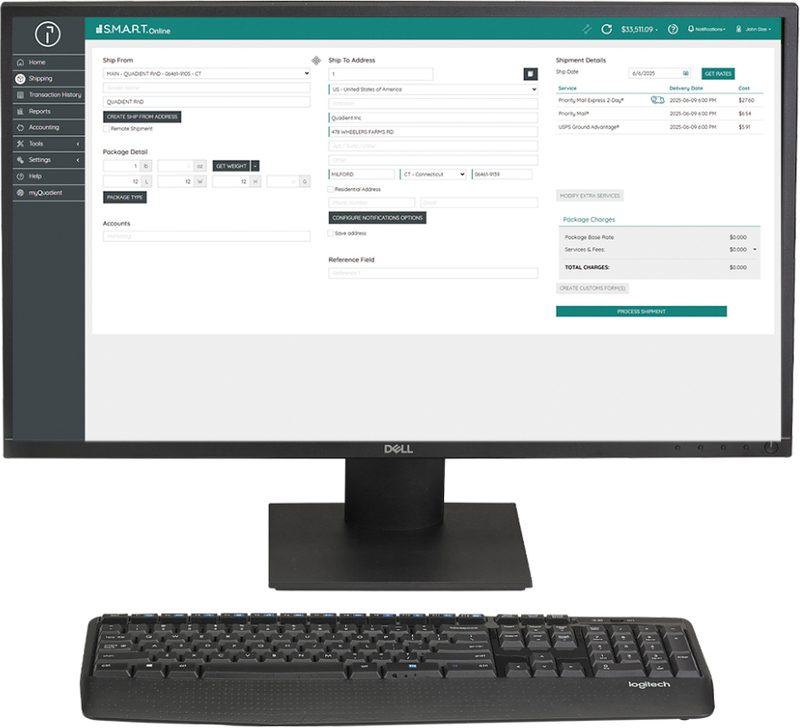 Included Standard
S.M.A.R.T. Online
Included by ADDCO at no additional cost for straightforward USPS package labels and tracking from a desktop.
- Print USPS IMpb-compliant 4x6 labels from your desktop
- Address validation before the USPS label is finalized
- Access qualifying USPS commercial package rates
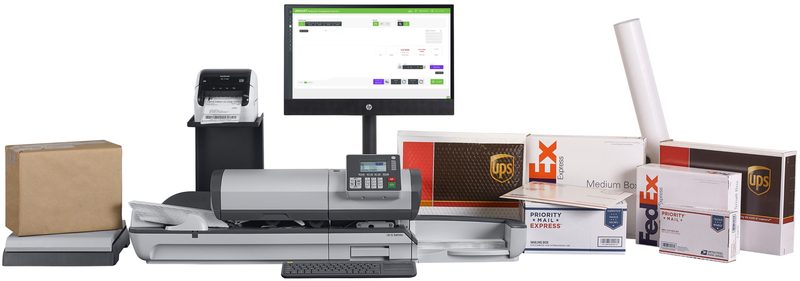 Up To 50 Packages A Week
S.M.A.R.T. Essential
For regular shippers that need USPS, UPS, FedEx, and DHL options, carrier comparison, accounts, and reporting.
- Compare rates across USPS, UPS, FedEx, and DHL from one dashboard
- Batch process supported shipments from the same cloud workflow
- Manage up to 3,000 accounts with centralized tracking and reporting
 Shared Mail Centers
S.M.A.R.T. MailCenter
For larger operations that need multiple users, departments, locations, detailed reporting, and connected mailing and shipping controls.
- Multi-user, multi-department, multi-location access
- Expanded accounting and reporting for larger mail-center operations
- Connect compatible iX-Series systems with mailing, shipping, accounting, and tracking
ADDCO Handles Initial Setup
ADDCO enters or connects the applicable carrier accounts and negotiated rates during setup. The software then presents those options during shipment processing. A changed carrier agreement may require an update, but users do not re-key rates for every package.
Compare The Available Services
Compare the supported services available for the shipment, including the displayed price and carrier-provided delivery estimate or commitment, before purchasing the label.
Pick What Matters Most
Choose the option that best fits the deadline, cost target, carrier requirement, and service level for that shipment.
Mailpiece Classification Comes First
Weight Alone Does Not Decide Whether It Is A Letter, Flat Or Package.
Dimensions, thickness, rigidity, flexibility, shape, and preparation also affect USPS classification. ADDCO reviews the actual piece instead of using a single weight rule.
Rate Shopping Starts With The Actual Shipment
Compare The Services Connected To Your Carrier Accounts.
ADDCO completes the initial carrier and negotiated-rate setup for the selected S.M.A.R.T. tier. After setup, users compare available services without rebuilding the rates for every shipment.
Start With Samples And Counts.
Tell ADDCO what you mail, what you ship, how often, and where time or money is being lost. We will recommend the smallest practical combination of equipment and software.